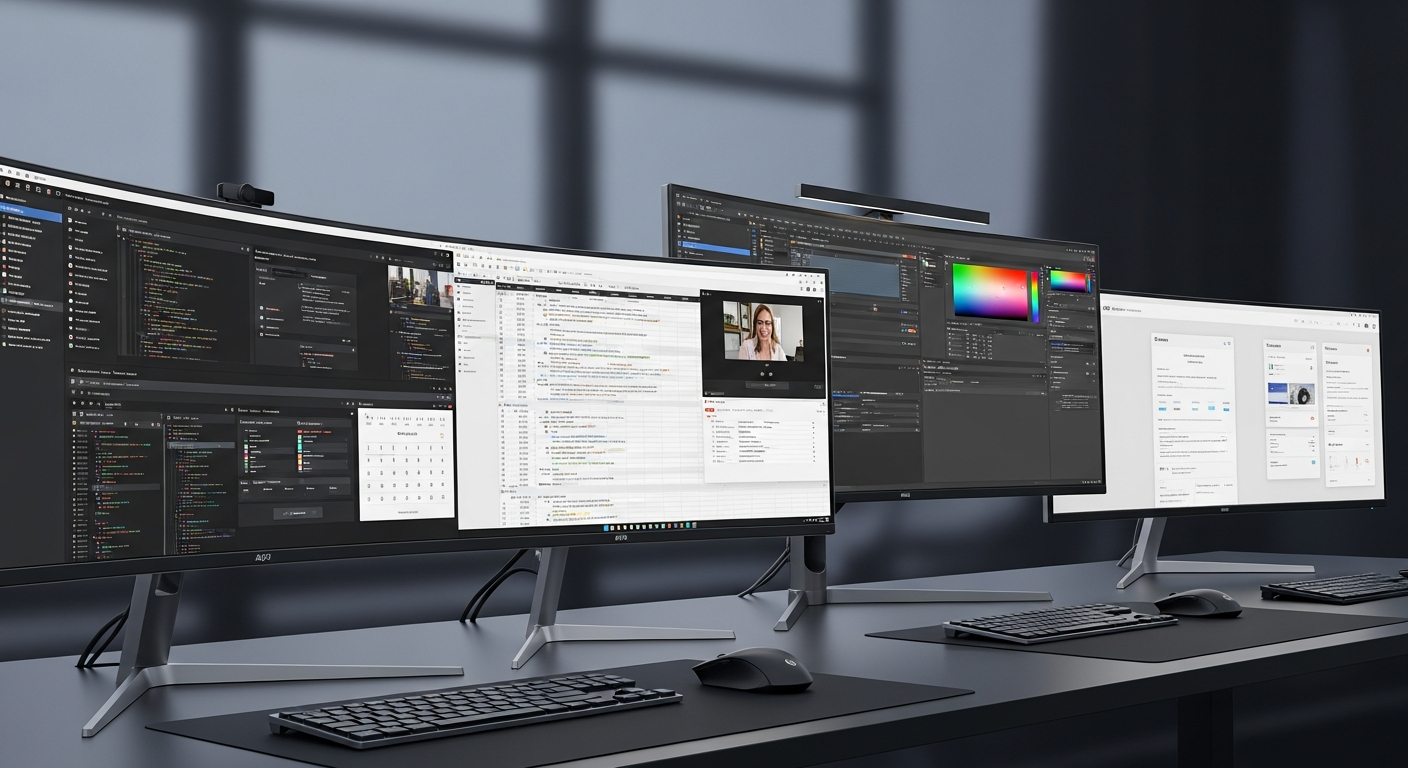
The Best VR Headsets for Productivity in 2026: Work Beyond the Monitor
Say goodbye to physical monitors. Discover the top VR and mixed reality headsets that transform any space into a multi-monitor productivity powerhouse.
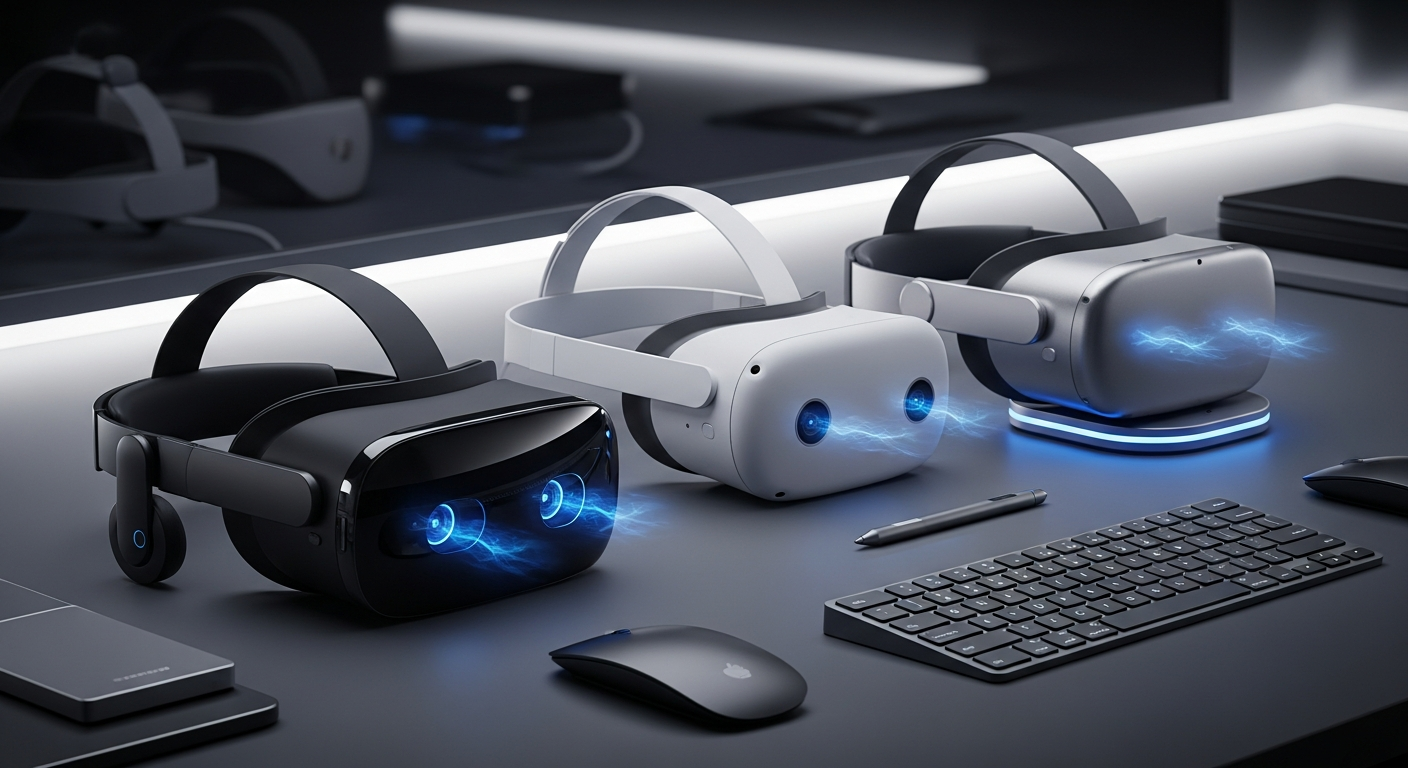
Quick Buy Links
The days of being chained to a desk with three physical monitors are rapidly coming to an end. As we move deeper into 2026, Virtual Reality (VR) and Mixed Reality (MR) headsets have evolved far beyond gaming devices. They are now legitimate productivity tools, capable of replacing multi-monitor setups, enabling immersive deep-work sessions, and transforming a cramped laptop screen into a sprawling digital canvas.
For developers, designers, writers, and remote workers, investing in a high-quality VR headset can completely redefine how and where you work. Whether you are traveling and need a virtual office, or you simply want to block out distractions and focus on your code, the right headset offers unprecedented flexibility.
In this comprehensive guide, we review the top VR and mixed reality headsets for productivity in 2026. We will look at visual clarity, comfort, software ecosystems, pass-through quality, and value for money to help you decide which virtual workspace is right for your needs.
Why Use a VR Headset for Productivity?
Before diving into the reviews, it's worth understanding why so many professionals are making the leap to spatial computing:
- Infinite Screen Real Estate: You are no longer limited by physical desk space. You can have five massive virtual monitors floating in the air around you.
- Deep Focus: By entirely blocking out your physical environment (or selectively letting it in via mixed reality), you can achieve flow states much faster. Distractions disappear.
- Ultimate Portability: A VR headset allows you to carry a six-monitor workstation in your backpack. It is perfect for digital nomads and frequent travelers.
- Ergonomics: Instead of hunching over a laptop or straining your neck to look at secondary monitors, you can position virtual screens exactly where they are most comfortable for your posture.
1. Apple Vision Pro: The Ultimate Spatial Computer
If budget is no object and you are deeply embedded in the Apple ecosystem, the Apple Vision Pro remains the absolute gold standard for spatial computing and productivity. It isn't just a VR headset; it's a standalone computer running visionOS.
Key Features and Productivity Benefits
The visual fidelity of the Vision Pro is staggering. With dual micro-OLED displays offering more than 4K resolution per eye, text is incredibly crisp. This is the first hurdle for any productivity headset: if you can't read 10-point font comfortably for hours, it's useless for work. The Vision Pro passes this test with flying colors.
The Mac Virtual Display feature is where the Vision Pro shines for professionals. You can connect your MacBook to the headset and instantly project a massive, crystal-clear 4K display in front of you. Combined with native visionOS apps like Safari, Slack, and Zoom floating alongside your Mac workspace, the multitasking potential is unmatched.
The eye-and-hand tracking interface is intuitive, meaning you don't need clunky controllers. The passthrough video is also the best in the industry, making it feel like your digital screens actually exist in your physical room.
Pros and Cons
Pros:
- Unmatched display resolution and text clarity.
- Seamless integration with Mac, iPhone, and iPad.
- Industry-leading color passthrough and hand-tracking.
- Premium build quality and audio.
- Astronomical price point ($3,499+).
- Relatively heavy, causing neck fatigue during long sessions.
- External battery pack can be cumbersome.
2. Meta Quest 3: The Best Value for Remote Workers
For the vast majority of professionals, the Meta Quest 3 is the smartest purchase. At a fraction of the cost of the Vision Pro, it offers an outstanding mixed-reality experience that is more than capable of handling daily productivity tasks.
Key Features and Productivity Benefits
The Quest 3 features "pancake lenses" which drastically improve edge-to-edge clarity and reduce the overall bulk of the headset. The resolution is high enough that reading text, writing emails, and even coding are completely viable.
For productivity, the Quest 3 relies heavily on apps like Immersed, Virtual Desktop, and Meta's own Horizon Workrooms. These applications allow you to spawn multiple virtual monitors connected to your PC or Mac. You can sit at your real desk, use your real keyboard (which can be tracked and visualized in VR), and look at three giant virtual screens.
The full-color passthrough on the Quest 3 is a massive upgrade over its predecessor, the Quest 2. While not quite as seamless as Apple's offering, it is more than good enough to let you see your surroundings, drink a cup of coffee, and check your phone without taking the headset off.
Pros and Cons
Pros:
- Incredible value for the price.
- Excellent pancake lenses with good text clarity.
- Huge library of productivity and virtual desktop apps.
- Lighter and more comfortable for long sessions than many competitors.
- Default head strap is uncomfortable (requires an aftermarket upgrade).
- Passthrough can still be slightly grainy in low-light conditions.
3. Meta Quest Pro: The Premium Business Option
Originally launched as Meta's high-end productivity headset, the Meta Quest Pro has seen significant price drops, making it a highly compelling option for professionals in 2026.
Key Features and Productivity Benefits
The Quest Pro was explicitly designed with work in mind. It features a unique "open-periphery" design. Instead of blocking out your entire face like a traditional VR headset, the bottom and sides are open. This allows you to easily look down at your real keyboard, mouse, and phone without relying on camera passthrough. For touch-typists and those who hate feeling isolated, this design is a game-changer.
It also includes built-in eye and face tracking. While this might seem like a gimmick, it is incredibly useful for remote meetings in VR. Your avatar mimics your actual facial expressions, making virtual team collaborations in Horizon Workrooms feel vastly more personal and engaging.
The included controllers are "self-tracking," meaning they don't rely on the headset's cameras to know where they are. This provides flawless tracking even if your hands are behind your back or under a desk.
Pros and Cons
Pros:
- Open-periphery design is fantastic for situational awareness.
- Eye and face tracking enhance virtual meetings.
- Self-tracking controllers are precise and reliable.
- Excellent color balance and contrast.
- Battery life is incredibly short (around 2 hours).
- Heavier than the Quest 3.
- Resolution is slightly lower than the Quest 3.
4. HTC Vive XR Elite: The Lightweight Travel Companion
If your primary goal is portability and taking your virtual office on the road, the HTC Vive XR Elite is a unique and highly capable device.
Key Features and Productivity Benefits
The standout feature of the XR Elite is its modularity. It functions as a standard, battery-powered standalone headset, but you can also detach the rear battery cradle and snap on a pair of "glasses temples." In this glasses mode, you plug the headset into a power bank, a PC, or even a compatible smartphone. This drastically reduces the weight on your face, making it feel more like bulky ski goggles than a traditional VR headset.
For productivity, HTC offers the Vive Desk application, which provides a solid virtual monitor experience. The headset features a depth sensor and full-color RGB passthrough, allowing for convincing mixed reality.
Because it is so light in glasses mode, the XR Elite is arguably the most comfortable headset on this list for wearing during a long, 8-hour workday or a cross-country flight.
Pros and Cons
Pros:
- Incredibly lightweight and modular design.
- Can be powered directly by a laptop or power bank.
- Good color passthrough.
- Adjustable diopters (you might not need prescription inserts).
- Expensive for the standalone performance it offers.
- Software ecosystem isn't as robust as Meta or Apple.
- Requires a tethered power source for maximum comfort.
Conclusion: Our Pick for 2026
Choosing the right VR headset for productivity comes down to your budget and the ecosystem you already inhabit.
The Absolute Best: If you are a Mac user and have the budget, the Apple Vision Pro offers an unparalleled spatial computing experience. The text clarity and seamless Mac Virtual Display make it the only device that truly feels like a next-generation computer.
Our Top Recommendation (Best Value): For 95% of users, the Meta Quest 3 is our undeniable top pick. At $499, it provides 80% of the productivity benefits of the Vision Pro at a fraction of the cost. When paired with an app like Immersed and a comfortable aftermarket head strap, the Quest 3 transforms any small desk or hotel room into a multi-monitor command center. It is the most accessible and practical entry point into virtual productivity.
Welcome to the future of work. Your physical monitors are officially on notice.
Ready to buy?
Here are our recommended picks from this review: