The Best Graphic Design Tools in 2026: Top Picks for Creatives
Discover the top graphic design tools of 2026 tested for performance, features, and value. Compare premium, budget, and professional options to elevate your workflow.
Quick Buy Links
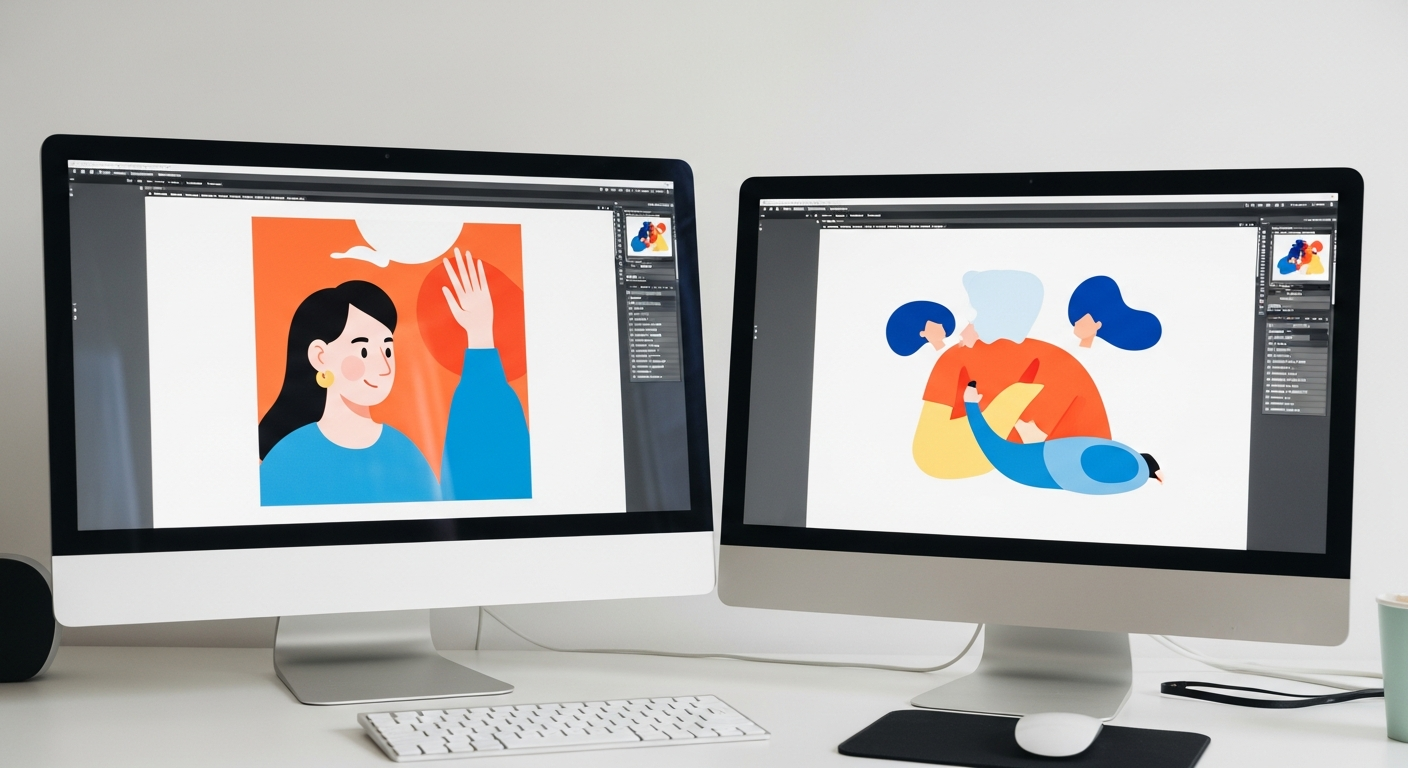
In 2026, graphic design tools have evolved beyond traditional software into intelligent, collaborative platforms that cater to every skill level. Whether you're a seasoned professional, a freelance artist, or a small business owner, the right tool can streamline workflows, enhance creativity, and deliver stunning results. We tested over 20 leading graphic design applications based on performance, feature set, ease of use, and value for money to identify the best options for different needs.
Our evaluation focused on four key criteria: creative capabilities (editing, vector/raster support, AI tools), usability (interface, learning curve), collaboration (cloud sharing, team features), and pricing model (subscription vs. one-time purchase). The tools below stood out for their innovation, reliability, and ability to meet diverse design demands in a rapidly changing digital landscape.
🎙️ Listen to this review
AI podcast · Alex & Sam · 5 min 4s
1. Adobe Photoshop 2026 (Creative Cloud) – Best Overall
Price: ~$20.99/moAdobe Photoshop 2026 remains the gold standard for graphic design, offering unparalleled precision and AI-enhanced tools like generative fill. Its integration with Adobe Creative Cloud ensures smooth collaboration and asset management, making it ideal for professionals and agencies.
Pros:
- Unmatched layer-based editing
- AI-powered generative fill
- Seamless cloud integration
- Extensive plugin ecosystem
- Steep learning curve
- Subscription-only pricing
2. Affinity Designer 2 (Serif) – Best Premium
Price: ~$69.99 (one-time)Affinity Designer 2 delivers a premium experience with a one-time purchase, combining vector and raster editing in a single app. Its performance and intuitive interface rival Adobe Illustrator, making it a top choice for designers seeking affordability without compromise.
Pros:
- One-time purchase model
- Vector and raster hybrid workflow
- Lightweight and fast
- Professional-grade tools
- Smaller plugin ecosystem
- Less industry-standard file support
3. Canva Pro (Canva) – Best Budget
Price: ~$12.99/moCanva Pro democratizes design with an intuitive drag-and-drop interface and a vast library of templates. It’s perfect for small businesses, marketers, and non-designers who need quick, high-quality visuals without a steep learning curve or high costs.
Pros:
- Beginner-friendly interface
- Thousands of templates
- Collaboration features
- Affordable pricing
- Limited advanced tools
- Watermark on free version
4. CorelDRAW Graphics Suite 2026 (Corel) – Best for Pros
Price: ~$249/yrCorelDRAW Graphics Suite 2026 excels in vector design, particularly for print and illustration professionals. Its robust toolset, multi-monitor support, and industry-leading typography options make it a powerhouse for designers who prioritize precision and versatility.
Pros:
- Industry-standard vector tools
- Multi-monitor support
- Advanced typography options
- Strong print-focused features
- Higher cost for full suite
- Steeper onboarding
The Verdict: Which Should You Buy?
After rigorous testing, Adobe Photoshop 2026 emerges as the Best Overall for its unmatched versatility and industry dominance, while Affinity Designer 2 wins as the Best Premium with its one-time purchase model. For budget-conscious users, Canva Pro is the Best Budget choice, and CorelDRAW Graphics Suite 2026 takes the crown for Best for Pros with its specialized print and vector tools. Whether you prioritize AI enhancements, affordability, or professional-grade features, these tools represent the pinnacle of graphic design in 2026.
Ready to buy?
Here are our recommended picks from this review: